
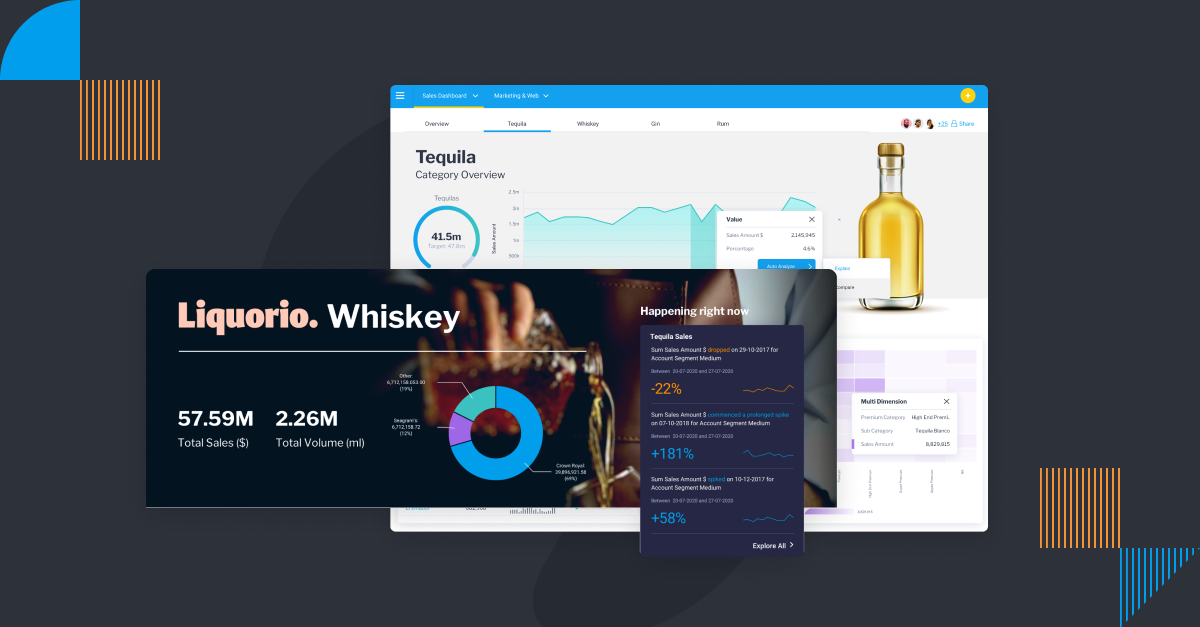
The History of BI Dashboards: Origins and Future
Key takeaways
- BI dashboards have evolved from expert-only tools to self-service platforms.
- Real-time data access and visualization have transformed decision-making.
- From static charts to dynamic, AI-powered tools, dashboards now support a wide range of users.
- The BI origin dates back to traditional reporting systems in the 1970s and 1980s, evolving into the comprehensive analytics platforms of today.
- The history of BI dashboards highlights this transformation from static reports to intelligent, interactive visual tools.
The History of BI Dashboards
Technology is always evolving, and so is the way we use it to collect and analyze data. From humble spreadsheet beginnings to fully automated business monitoring and AI-powered analysis, the range of analytics tools on offer today is astounding to consider.
Business intelligence dashboard software is one such option. BI dashboards have existed for decades as a helpful tool for organizations to monitor and analyze operational data - and it's not quite dead yet, despite what many companies proclaim.
Decision-making based on data analysis is becoming increasingly important, and BI dashboards are a great way to help make that happen, providing real-time data that can help companies understand their performance, identify trends, and know what to do next.
The humble origins of BI dashboards
Since the 1970s, dashboards have been used to help businesses make better decisions.
Early business intelligence dashboards required business analysts to analyze and interpret data, as the vendors who made the software specially tailored these powerful tools only for those with specialized knowledge around data transformation and analysis.
Extract, Transform, and Load (ETL) tools were used to load data into the business system, and the analyst within a business would then collate and interpret that data to make conclusions.
However, with the advent of big data, dashboards have evolved to become far more user-friendly, and include several other data analytics tools in one package.
In the past, data was only used for research and analysis. However, as the world becomes more complex, data is becoming a key factor in decision making. These tools can help you collect and analyze data in a way that makes it easy to see patterns and trends.
Related: The History and Evolution of Business Intelligence (BI) Platforms
Important adaptations in the history of BI dashboards
Executive information systems popularized dashboards in the 1980s by developing interfaces especially for senior decision-makers, which they termed executive dashboards.
The history of BI dashboards continued to evolve in the 1990s as BI software development, alongside data warehouses and OLAP engines during the 1990s enabled dashboards to become operational and available to multiple business users across different skill levels.
Self-service Business Intelligence and visualisation technology emerged around the mid-2000s, which allowed business users to develop and share their own dashboards without the requirement of technical knowledge.
The introduction of AI-powered features, including automated data preparation and natural language insights, took place in the late 2010s and became available to users, with Microsoft Power BI being a notable example, in 2019. This timeline also mirrors the history of data visualization, as dashboards have grown from static charts into dynamic, interactive visual tools that empower more users across organizations.
The evolution of dashboards: Static to dynamic
Today's analytics and business dashboard software allow you to easily collect and analyze data from a variety of sources. This makes it possible for more people in the organization to access important metrics, such as key performance indicators (KPI dashboards are one such popular option) to make informed decisions based on data analysis.
Analytics platforms collect, process, and analyze data, and are now used to create interactive dashboards that allow users to see the data in a way that makes sense. This dashboard evolution has transformed static charts into dynamic, interactive interfaces that promote real-time insights and user engagement.
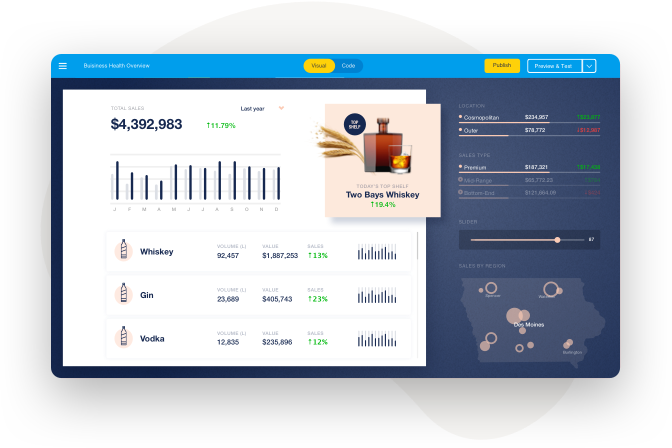
Dedicated BI solutions have evolved dashboard design considerably to help more people use dashboards rather than defer to experts to analyze it for them, encouraging self service analytics. No longer are graphs and metrics presented haphazardly or without explanation; there are powerful automation and visualization options available from today's BI vendors to better communicate what's on-screen for more people. A dashboard overview helps users quickly understand key insights without needing advanced technical knowledge.
Metrics and visualizations on dashboards have also evolved from static tables and charts to fully interactable elements that can be clicked on to drill down further into specific sub-categories of data, or lead to automatically generated explanations and comparisons for further context - one such example is Yellowfin Assisted Insights and Signals.
The evolution of BI tools has played a crucial role in making these modern dashboards more intuitive, insightful, and accessible to a broader range of users.
Business intelligence dashboards: An overview
Today, a business intelligence dashboard, or BI dashboard, refers to an analytics tool that provides a consolidated view of relevant business data, such as key performance metrics and operational data.
A BI dashboard allows business owners to quickly and easily view, explore and break down data from different sources, at a glance, on one screen.
Sales dashboards and marketing dashboards are two very common use cases/BI dashboard examples. A sales dashboard shows data about sales activity, such as orders, sales leads, and sales revenue. A marketing dashboard shows data about marketing activity, such as website visits, email subscribers, and social media followers. Most use cases of dashboards fall under three categories of dashboards: operational dashboards, strategic dashboards or analytical dashboards.
Whatever the type of dashboard or its use case, there are many benefits of using business intelligence dashboard tools as part of business processes, which you can read about in our guide on the top benefits of dashboard reporting.
What are the types of BI tools in modern applications?
BI tools help in making the charts more effective by analyzing the data and converting it into visuals. Below are the most used types of BI tools and their applications:
- Reporting tools: They provide users with structured performance review reports through Microsoft Power BI and Tableau software
- Data visualization tools: Yellowfin takes raw data to create charts and visual graphs that support better analysis. When looking for the best dashboard tools, organizations can find solutions that help optimize performance, streamline data visualization, and enhance decision-making processes.
- Dashboard tools: Business dashboards from Yellowfin deliver real-time analysis capabilities through their interactive dashboards structure.
- Data warehousing tools: Tools like Yellowfin and Amazon Redshift serve as data warehousing tools that provide centralized analysis by storing substantial amounts of data.
- Predictive analytics tools: Reliable predictive analytics tools implement machine learning to predict future trends through their system.
How a business intelligence dashboard Works
A business intelligence dashboard collects key metrics and data visualizations that allow you to see the big picture. It can be used to understand trends, and track operational progress to help drive decision-making.
Metrics and key performance indicators (KPIs), can also be displayed on a BI platform. This allows you to track your progress and see how you're performing against your goals.
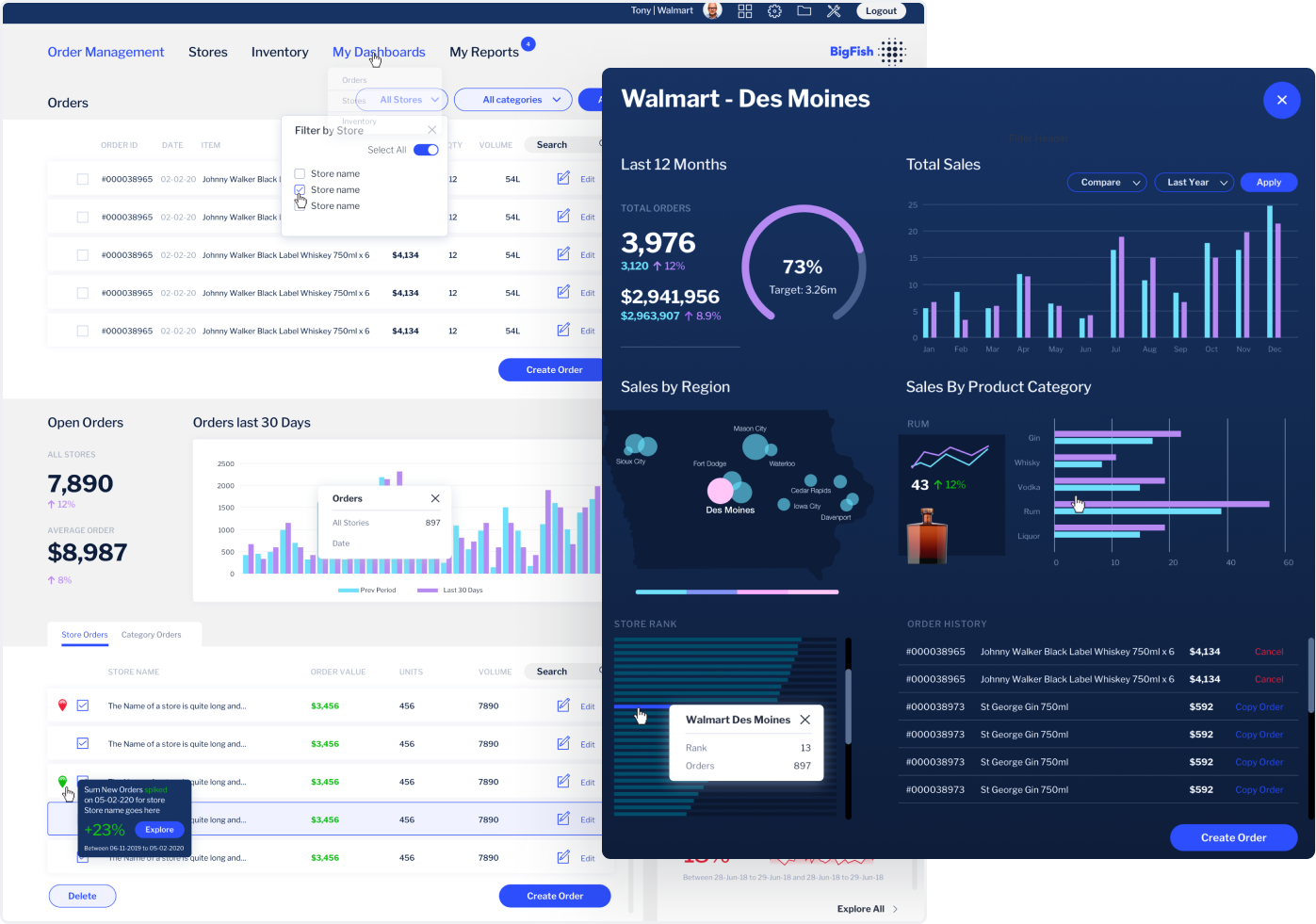
There are many different types of data visualizations you can use on a dashboard, including charts, graphs, and tables, that can be used to make complex or other large volumes of data much more digestible for audiences. You can use them to analyze different aspects of your business quickly, and modern BI dashboards even provides automated insights and monitoring that further help you make better decisions.
Essentially, dashboard are a visual overview of your most important data, so you can see how it's changing over time as it happens, and understand how it affects your business.
Business performance dashboards are a powerful example of how this visualization can drive more informed and agile decision-making.
What are the differences between BI and business analytics?
List of differences between BI and business analytics:
| Business intelligence | Business analytics |
| Focuses on analyzing past and current performance. | Focuses on predicting future outcomes. |
| Works with historical and real-time data. | Uses both historical and predictive data. |
| Data visualization, reporting, and dashboards. | Predictive analytics, data mining, and machine learning. |
| Used by business users for tactical decisions. | Used by analysts for strategic, long-term planning. |
BI platform features evaluation requires knowledge about business intelligence versus advanced analytics, so that users can match their needs to the right functionalities.
What's next? The future aspect for BI dashboards
Dashboards continue to become even more interactive as analytics solutions further tailor their dashboard toolsets for both expert analysts and regular business users, using the power of automation and AI to create a new class of analytics user, called augmented consumers.
What this means is everyone will be able to do more with dashboards than just look and drill down through the data presented - with Yellowfin's data storytelling and automated monitoring suite, Stories and Signals, for example, users can access and explore contextual narratives and generated alerts to guide them toward the most relevant data.
Additionally, the dashboards are going to become even more customizable. This means that you'll be able to create them to fit your specific needs perfectly. These data-driven dashboards will empower users to make better decisions based on real-time, tailored insights.
Are dashboards really dead?
There is a common misconception that BI dashboards are dead, and that they no longer have any use. However, this is not the case. In fact, BI dashboards are still very important, and can be used to improve business efficiency and performance - in combination with several newer, modern analytics tools, such as augmented analytics and AI analytics.
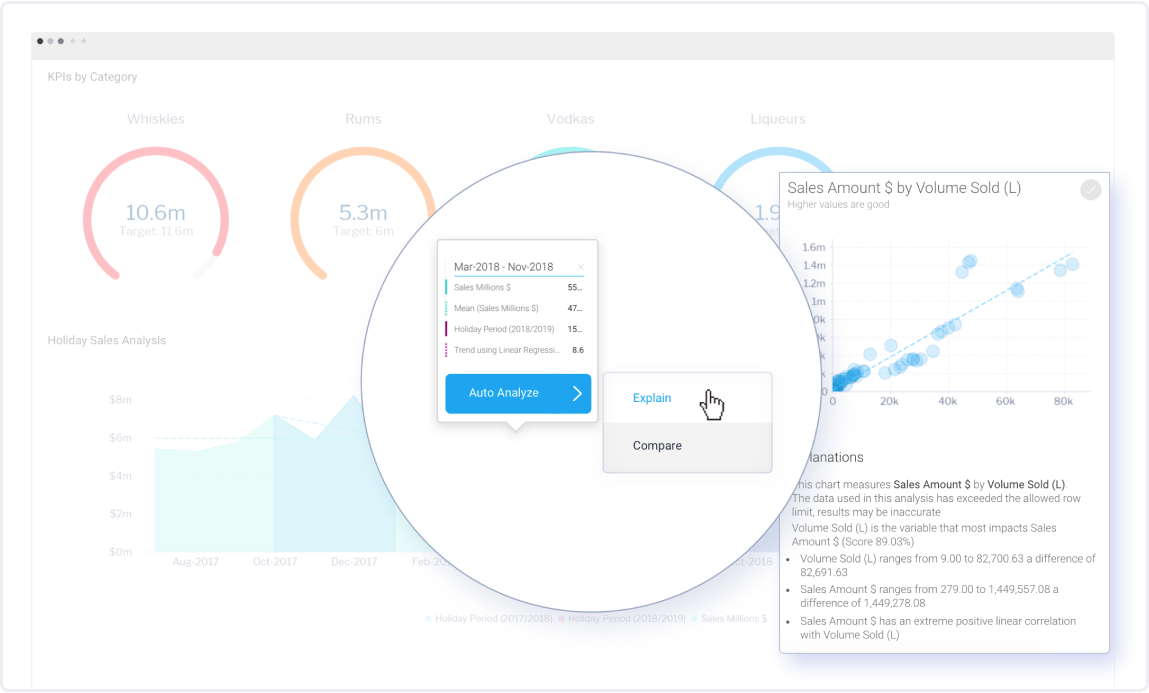
Today, dashboards continue to help make data analysis more digestible and easier to explore, and provide users with the most accessible graphical representation of data possible to identify trends and patterns and monitor performance, and they aren't going anywhere yet.
Business performance dashboards remain an essential part of modern analytics ecosystems, delivering critical insights to drive strategic decisions.
Read: What the 'Death' of the Dashboard Really Means
What are the latest trends in BI?
Business intelligence continues to advance rapidly because new technological developments and operational practices appear frequently. Here are some of the latest trends in BI that organizations need to keep an eye on:
- AI & machine learning: BI tools are adopting AI and machine learning to drive predictive analytics while identifying patterns through automated insights generation to produce faster, more accurate decisions.
- Self-service BI: Business intelligence tools are developing self-service capabilities to provide business users with tools to extract and interpret data independently without needing help from IT personnel.
- Augmented analytics: Self-service business intelligence enables users who lack technical skills to perform analysis tasks using augmented analytics technology.
- Cloud-based BI: With the help of cloud-based BI, users can access real-time data from anywhere, which helps in reducing the capital investment. With this information, businesses can make better decisions by understanding the actionable analytics.
Top business intelligence vendors and market landscape
The BI market includes key players who deliver custom-made solutions to their users.
- Yellowfin: The market rates Yellowfin as an exceptionally usable solution because of its features that enable automated data storytelling capabilities. It also stands out for its seamless collaboration tools and real-time data monitoring through features like Yellowfin Signals.
- Tableau: It offers powerful data visualization and interactive dashboards for an intuitive experience. Tableau helps organizations be more data-driven and make better decisions.
- Power BI: This tool is affordable and scalable, with strong integration with Microsoft tools. Power BI is a simple-to-use tool that allows even non-technical organizations to gain actionable insights.
The BI market expansion drives vendors to adopt AI and predictive analytics with cloud computing features to satisfy emerging business needs.
Next steps: Finding the right BI dashboard solution
The business intelligence dashboard's future is defined by such trends as AI-based analytics, augmented analytics, and natural language processing (NLP) to simplify data interaction. Cloud scalability and mobile BI enablement are also making BI dashboards easier to use and access. So, if you're ready to take your business to the next level, then you need the help of a professional data management and analytics tool.
Yellowfin can help you make the most of your data by providing you with the tools you need to manage it effectively. We understand that data can be complex and difficult to act on without significant expertise.
That's why we focus on contextual data analysis and automated data visualization in combination with our stunning business intelligence dashboard software suite, so that you can more easily understand your data and make informed decisions.
Frequently asked questions(FAQs)
What is the oldest BI tool?
IBM initiated Decision Support Systems as the first BI tool beginning from the 1960s through the 1970s.
What did dashboards evolve from?
Dashboards originated from the advancement of static spreadsheets together with conventional reporting systems.
What are the evolution phases of business intelligence dashboards?
BI dashboards evolved from static views to interactive, real-time, and AI-powered data-driven interfaces.
What is the future of dashboards?
The future of dashboards lies in increased automation, personalization, and insights driven by AI.
How has BI evolved?
BI started with manual reporting but has changed into real-time systems that perform prediction and allow users to create their own analyses.
Get started with modern BI dashboard software
Find out why a Yellowfin dashboard is the best way to visualize, monitor and understand your data to drive action and discover better quality insights.